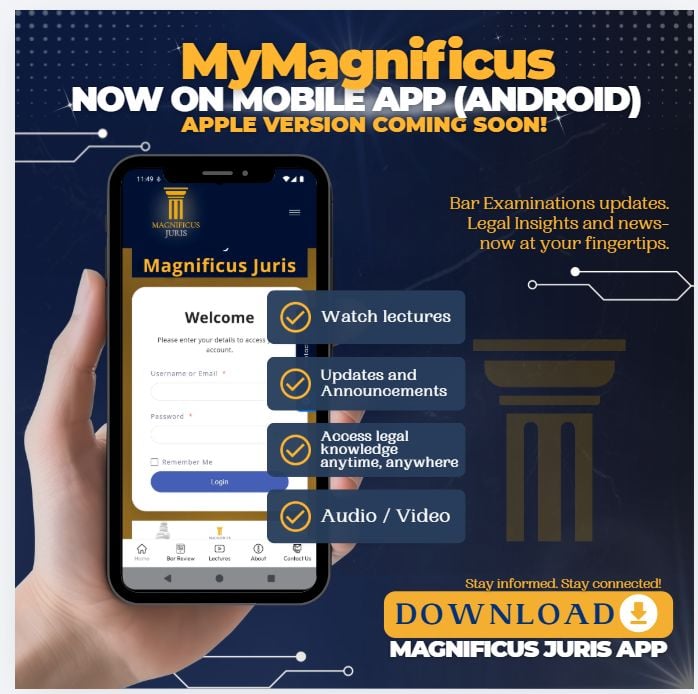
MyMagnificus Mobile App

INSTALLATION GUIDELINES

STEP-BY-STEP INSTRUCTIONS (ANDROID)

  1. Download the APK file on your Android phone (click here).
  2. Once the download is complete, tap Open
    (or open Files / My Files and locate the downloaded APK).
  3. Tap the APK file to begin installation.
  4. A message will appear saying:
    “For your security, your phone is not allowed to install unknown apps from this source.”
  5. Tap Settings.
  6. Enable Allow from this source (or Allow app installs).
  7. Tap Back to return to the installer screen.
  8. Tap Install.
  9. Wait for the installation to finish.
  10. Tap Open to launch the app, or Done to exit.

Magnificus Juris provides topnotch Bar review to aspiring lawyers in the Philippines.

Subscribe Now

Don’t miss our future updates! Subscribe now!

©2025. Magnificus Juris. All Rights Reserved.